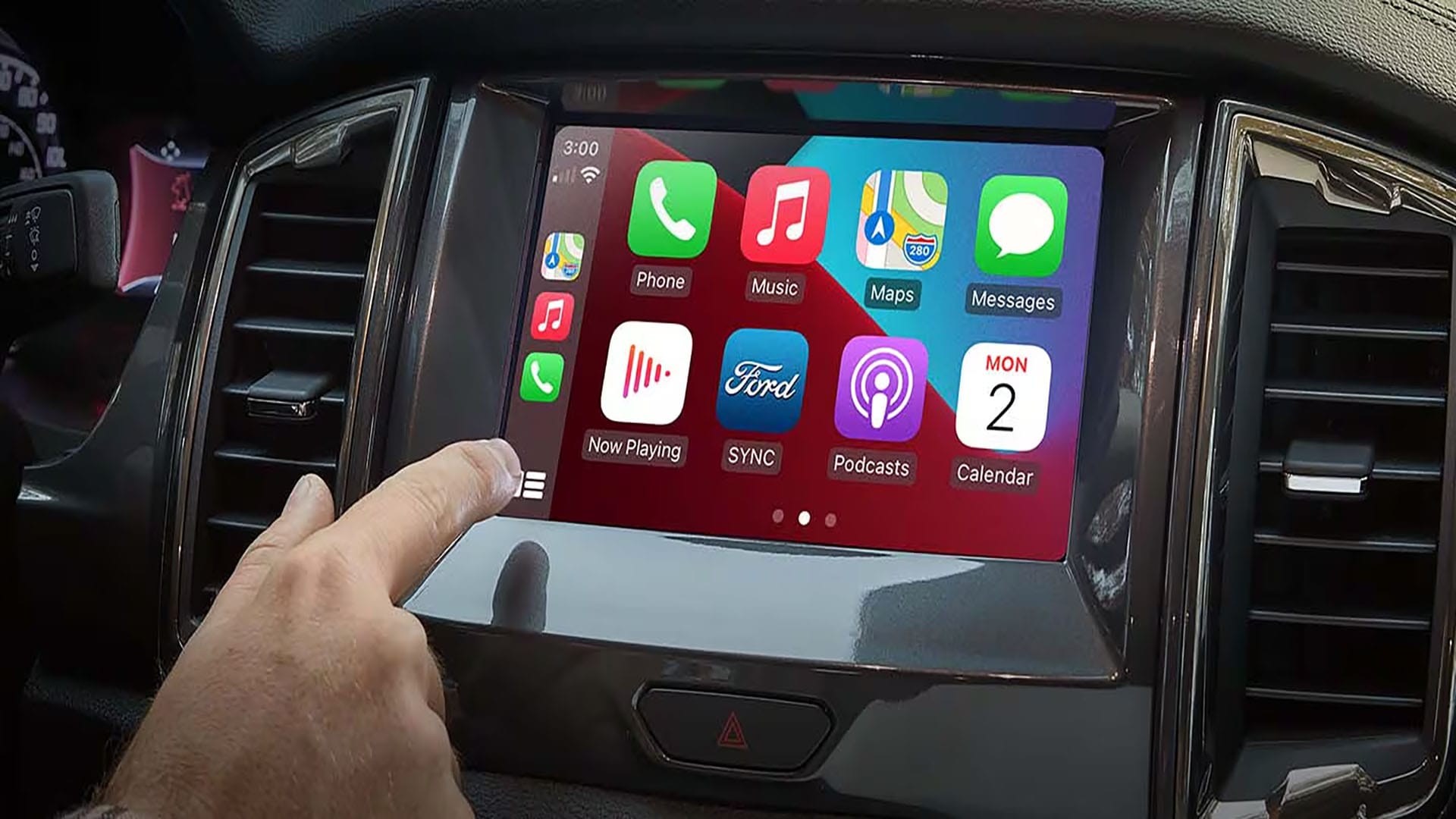
SYNC™ 3 allows you to use Android Auto to access your phone and make calls, send and receive messages, or listen to music.
To activate Android Auto™ on your SYNC™ 3 screen:
1. Download the latest version of the Android Auto app on your smartphone and other Google™*** apps including Google, Google Maps™, and Google Play™ Music.
2. Press Settings on your vehicle's SYNC screen.
3. Select Android Auto Preferences.
4. Slide the Enable Android Auto toggle to the right.
5. Plug your smartphone into a USB port in your vehicle using your device’s manufacturer-provided USB cable. A pop-up message will appear on your SYNC screen the first time you connect.
6. Select Continue.
7. Agree to the Terms & Conditions on SYNC and on your smartphone. Android Auto will appear on your SYNC touchscreen.
Note: Some SYNC features such as the optional navigation system and SYNC AppLink® will not be available when using Android Auto.
*Requires phone with active data service and compatible software. SYNC 3 does not control 3rd party products while in use. 3rd Parties are solely responsible for their respective functionality.
**Don’t drive while distracted. Use voice-operated systems when possible; don’t use handheld devices while driving. Some features may be locked out while the vehicle is in gear. Not all features are compatible with all phones.
***Google, Google Maps, Google Play, and Android Auto are trademarks of Google LLC.